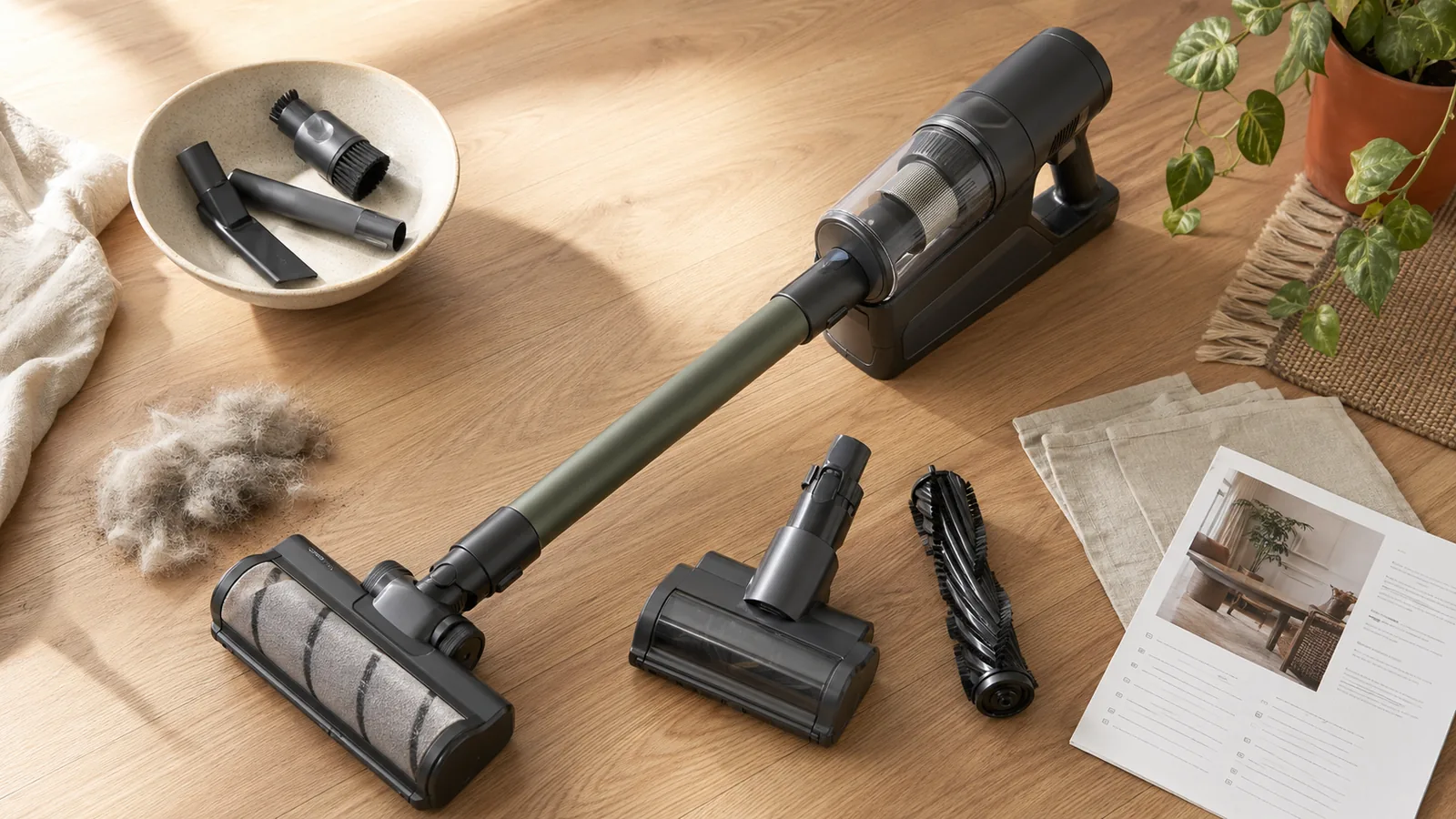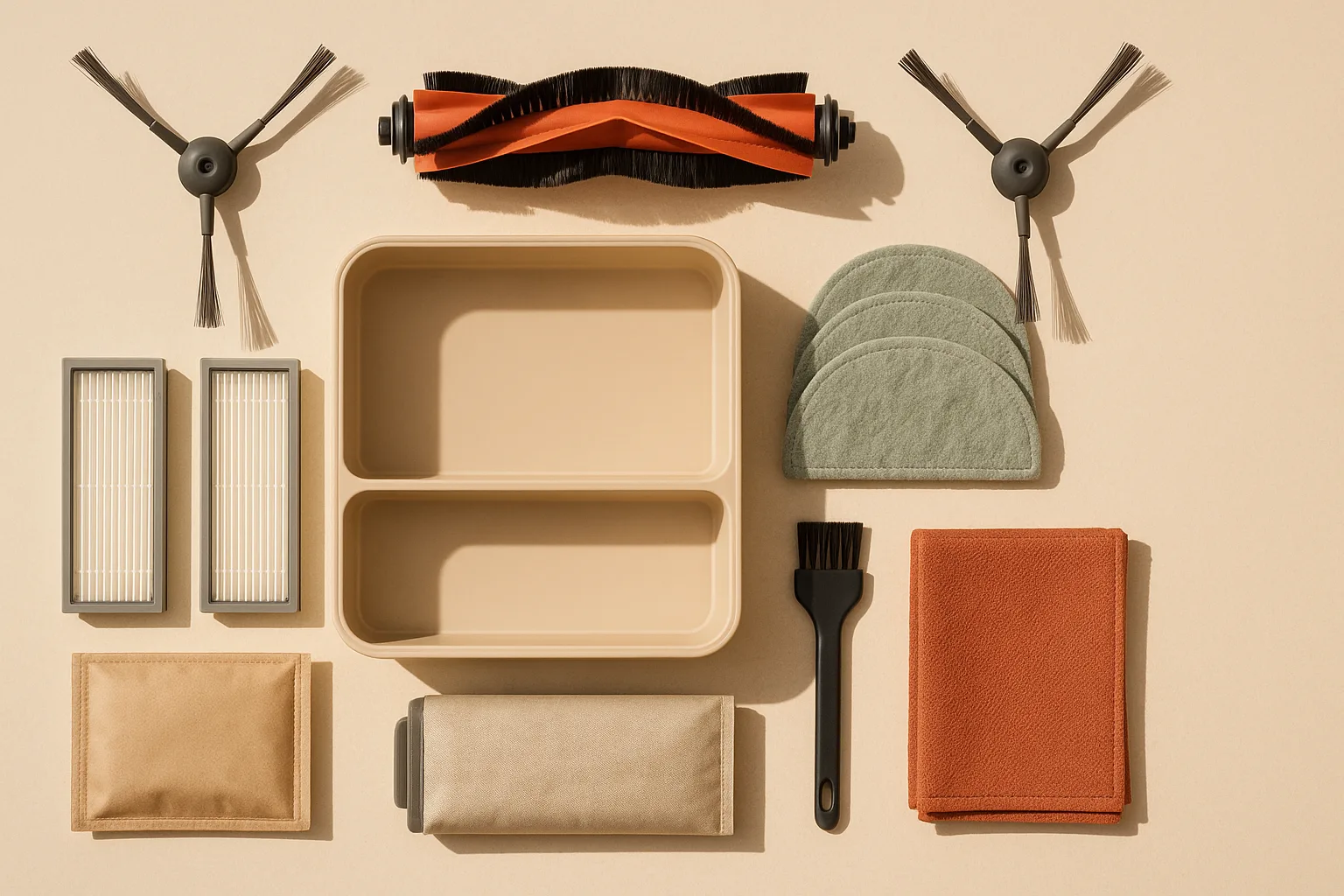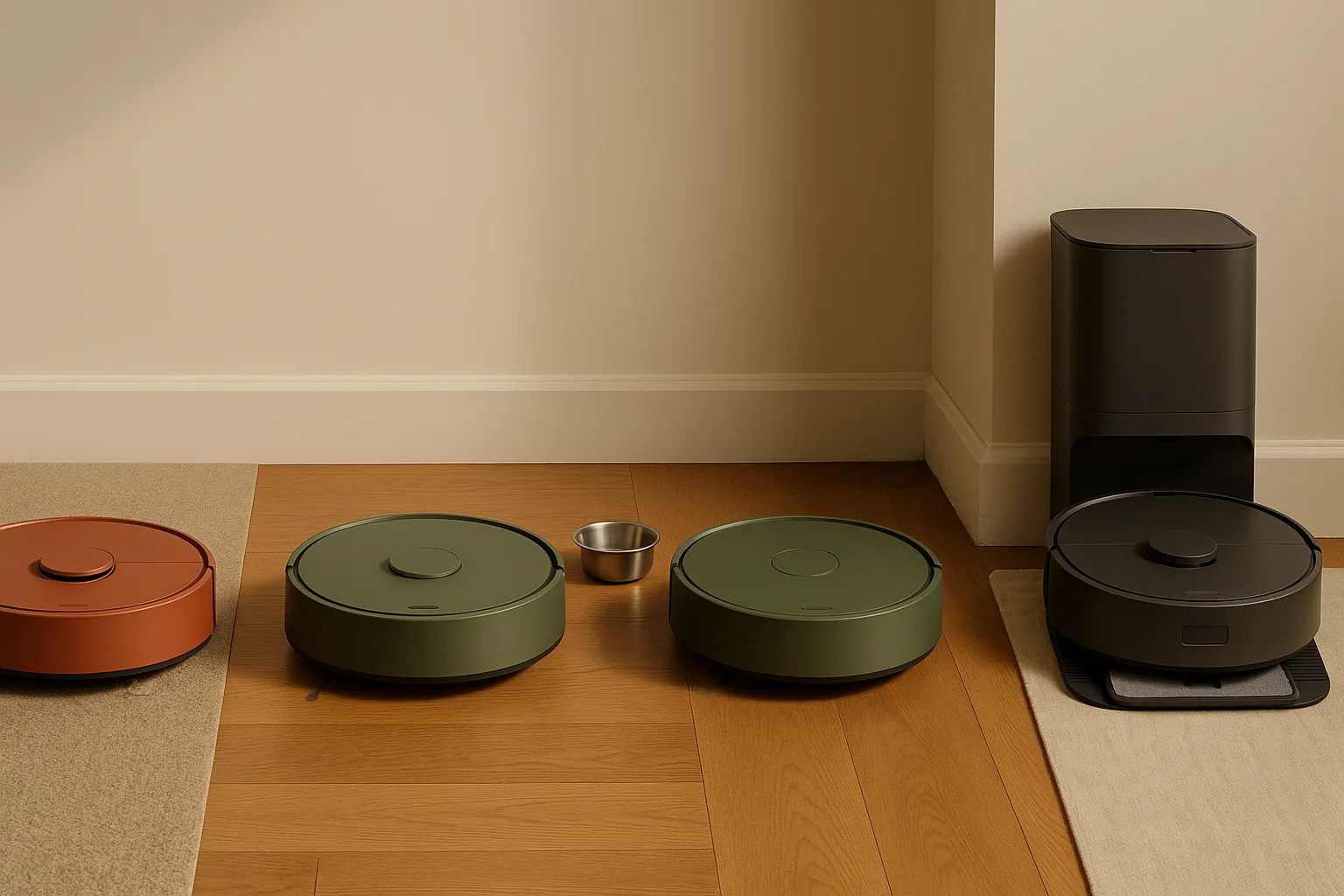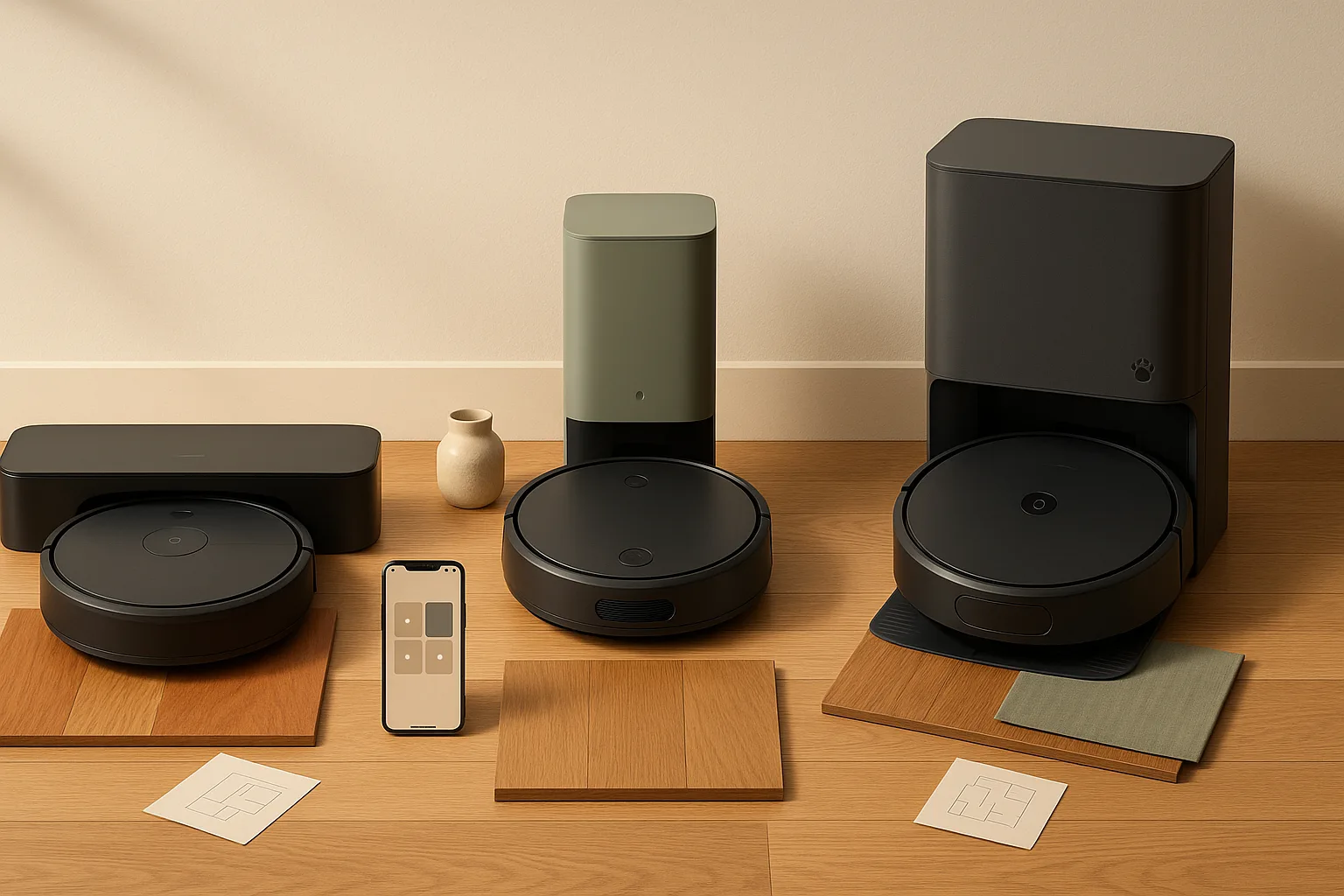
The short answer: for hardwood floors in a small apartment, the Roborock Saros 10R is the strongest all-around performer, the SwitchBot K11+ wins on compact-living constraints, and the iRobot Roomba Combo j9+ earns the nod for pet-hair households that want maximum hands-off time. But before you buy based on a "Works with Alexa" badge, you need to understand why Matter connectivity and full smart-home feature control are two different things — and why that gap matters more for robot vacuums than for smart bulbs or thermostats.
How we picked the best robot vacuum and mop for hardwood floors and small apartments
Our comparison base is RTINGS' 2026 robot-vacuum rankings and Consumer Reports' 2026 robot-vacuum coverage (published March 28, 2026), supplemented by Consumer Reports' dedicated hardwood-floors robot-vacuum roundup from March 2025. Both sources use standardized lab tests across hard-floor pickup, mop behavior, edge cleaning, and obstacle avoidance — not just headline suction numbers.
From there, we filtered by three real-world constraints: dock footprint small enough for an apartment corner, meaningful mopping capability rather than a token damp wipe, and smart-home integration that actually delivers useful control beyond a basic start/stop command. This guide includes both robot vacuum affiliate and robot vacuum and mop affiliate placements, but the selection method stays anchored to lab data first and affiliate fit second.
Products linked in this article include affiliate links to Amazon and direct-manufacturer pages — we earn a commission at no extra cost to you, which helps fund this testing and editorial work.
Quick comparison table: floor type, dock footprint, and smart-home support
The table below is your decision shortcut. Note the dock dimensions carefully — in a 600-square-foot studio, a 14-inch-wide charging station against the baseboard is a different problem than it is in a 2,000-square-foot house.
| Model | Best Floor Type | Dock / Footprint | Features and Smart-Home Support |
|---|---|---|---|
| Roborock Saros 10R | Hardwood, low-pile carpet | Large — 10-in-1 dock | Auto-empty, auto mop removal, self-wash; Alexa, Google Home, HomeKit, Matter; 17 mm mop lift |
| SwitchBot K11+ | Hardwood, tile | Compact self-empty | 90-day auto-empty; Matter, Apple Home, Alexa, Google Home; limited mop lift — check manufacturer specs |
| iRobot Roomba Combo j9+ | Hardwood, carpet, pet hair | Large — Clean Base Auto-Fill | 60-day debris empty, 30-day water refill; Alexa, Google Home; retractable mop arm |
| Shark Matrix Plus 2-in-1 | Hardwood, low-pile | Medium — 21.4 × 14.96 × 5.69 in | Auto-empty; Alexa, Google Home; Sonic Mopping, limited mop lift |
Watch Out: "Works with Alexa" and "Works with Google Home" labels on the box do not mean every robot function — room selection, no-go zones, mop lift, auto-empty triggers — is available through that assistant. As Google Home Developers officially states: "Many Matter device types are supported in the Google Home ecosystem, though not all are fully supported." Advanced robot controls typically require the manufacturer's own app regardless of ecosystem.
Best robot vacuum and mop for hardwood floors: Roborock Saros 10R
The Saros 10R is the strongest pick if hardwood performance is your primary concern and you can accommodate a larger dock footprint. Roborock built this machine around its StarSight Autonomous System 2.0, which uses onboard sensors to recognize obstacles in complex environments — meaning it won't ride over a charging cable or nose-dive off a threshold the way older LDS-only navigation units sometimes do.
Roborock Saros 10R — Product Snapshot
- Best for: Hardwood-heavy homes with mixed floor transitions and low furniture
- Mop lift: 17 mm — clears most low-pile rugs without leaving the mop dragging
- Dock: 10-in-1 Multifunctional Dock 4.0 with auto mop removal, self-wash, and 2.5-hour fast charging
- Smart home: Alexa, Google Home, HomeKit, Matter
- Pros: Best-in-class obstacle avoidance, slim profile for under-furniture reach, auto mop removal so it doesn't drag a wet pad onto rugs, comprehensive app with room-by-room control
- Cons: The 10-in-1 dock is physically large — plan a dedicated corner for it; premium price tier
The dock complexity is worth naming honestly: this is not a simple self-empty base you can tuck behind a door. The 10-in-1 Multifunctional Dock 4.0 auto-removes the mop, self-cleans it, refills water, and empties debris. That's a meaningful maintenance reduction, but it also means more plumbing connections or water reservoir management depending on your setup, and the station itself takes up real floor space. For a studio or one-bedroom, measure your available wall space before buying. The manufacturer details for the 17 mm mop lift and StarSight Autonomous System 2.0 and the 10-in-1 Multifunctional Dock 4.0 plus 2.5-hour fast charging are spelled out on Roborock's own product pages.
Pro Tip: Place the Saros 10R dock against a wall with at least 12 inches of clearance on each side so the mop removal arm cycles without obstruction. Roborock's app setup guide walks you through dock positioning — follow it before your first run.
Why the Saros 10R works on hardwood and low furniture
The combination of a slimmed-down chassis and StarSight Autonomous System 2.0 obstacle recognition makes the Saros 10R one of the more capable units for the specific conditions of hardwood-heavy homes: scattered chair legs, low bed frames, cables on the floor, and the occasional throw rug edge.
Key features for hardwood and tight layouts:
- Hard-floor pickup: Side brushes designed for debris at edges, where hardwood floors accumulate the most visible grit
- Slim profile: Lower chassis height helps it reach under sofas and bed frames that stop taller robots cold
- 17 mm mop lift: When the robot detects a rug or carpet transition, the mop pad raises 17 mm — enough to clear standard low-pile area rugs without leaving a wet streak
- StarSight Autonomous System 2.0: Recognizes objects like socks, cords, and pet toys rather than simply bumping into them or getting stuck, which matters on hardwood where debris scatters farther on impact
The 17 mm lift is a hard spec, not a marketing estimate. It clears most low-pile rugs and standard area rug edges reliably. If you have thick shag or high-pile rugs throughout your space, no-go zones in the Roborock app are still the safer approach.
Smart-home compatibility: Alexa, Google Home, HomeKit, and Matter on the Saros 10R
The Saros 10R supports Matter, which means it can connect to Apple Home, Amazon Alexa, and Google Home through a single underlying protocol. Here's where most competitor articles leave the story — and where you need more detail before making a decision.
What Matter actually gives you: A standardized pairing mechanism and basic connectivity. As Apple Support clarifies, Matter lets you pair accessories "using any app that supports the Matter smart home standard" — but that pairing is the floor, not the ceiling, of what's available. Matter does not mandate that Alexa, Google Home, or HomeKit expose every feature the manufacturer built into the robot.
Ecosystem feature matrix for the Saros 10R:
| Feature | Roborock App | Alexa | Google Home | HomeKit |
|---|---|---|---|---|
| Start / Stop | ✅ Full | ✅ Voice | ✅ Voice | ✅ Voice |
| Schedules | ✅ Full | ⚠️ Limited | ⚠️ Limited | ⚠️ Limited |
| Room selection | ✅ Full | ⚠️ Partial | ⚠️ Partial | ❌ Typically unavailable |
| No-go zones | ✅ Full | ❌ App only | ❌ App only | ❌ App only |
| Mop lift control | ✅ Full | ❌ App only | ❌ App only | ❌ App only |
| Auto-empty triggers | ✅ Full | ❌ App only | ❌ App only | ❌ App only |
The practical implication: if room selection and no-go zones matter to your cleaning routine — and for a small apartment with a defined layout, they often do — you'll configure those in the Roborock app and use Alexa or HomeKit for simple voice start/stop commands. Treating any voice assistant as the primary interface for advanced robot functions is likely to disappoint you with any brand, not just Roborock.
Best compact robot vacuum and mop for small apartments: SwitchBot K11+
The SwitchBot K11+ is purpose-built for exactly the constraints that kill larger robots in small apartments: it has a 3.6-inch ultra-slim body, LDS laser navigation (which maps efficiently in tight rooms without needing wide open paths), 6,000Pa suction, and 90-day hands-free self-emptying. It also supports Matter and connects to Apple Home, Alexa, and Google Home. If you are already looking at SwitchBot’s ecosystem, the SwitchBot S20 is the more feature-heavy mop-forward option, but the K11+ stays the better fit when under-sofa clearance and a compact station matter most.
SwitchBot K11+ — Product Snapshot
- Best for: Studio and one-bedroom apartments, hardwood and tile floors, minimal dock footprint priority
- Body height: 3.6 inches — fits under most standard sofas and bed frames
- Auto-empty: 90-day capacity self-empty station
- Suction: 6,000Pa
- Smart home: Matter, Apple Home, Alexa, Google Home
- Navigation: LDS (Laser Distance Sensor) for room mapping
- Pros: Slim body goes where bulkier robots can't, strong suction for its size, long auto-empty interval reduces maintenance, compact dock footprint
- Cons: Mopping capability is present but secondary to its vacuum strengths; verify dock dimensions on product page before purchasing for very tight placements; fewer obstacle-avoidance sensors than flagship competitors
At 3.6 inches tall, the K11+ genuinely reaches under furniture that stops a 4.5-inch robot dead. In a one-bedroom where the bed frame clearance is 3.8 inches, that difference isn't minor — it's the difference between cleaned and not cleaned.
Pro Tip: LDS navigation (the spinning lidar tower you'll see on the K11+) maps rooms quickly and handles furniture rearrangement well. The trade-off is the tower adds a small amount of height and can occasionally clip very low cabinet clearances. Measure yours if in doubt.
Small-apartment criteria that matter most: threshold height, obstacle avoidance, noise, and station footprint
Buying a robot vacuum for a small apartment involves a different checklist than buying for a 2,500-square-foot house. Here's what actually moves the needle:
Small-apartment buying checklist:
- Body height (threshold clearance): The robot must clear your lowest furniture. The SwitchBot K11+ at 3.6 inches and the Saros 10R at its slimmed-down profile both handle typical apartment furniture better than taller units. Measure your lowest bed frame or sofa clearance first.
- Station footprint: The Shark Matrix Plus 2-in-1's dock measures 21.4 × 14.96 × 5.69 inches — that's roughly 1.25 feet wide and 1.8 feet deep. In a studio, that footprint matters. The SwitchBot K11+'s station is more compact; verify exact dimensions on the product listing before buying.
- Obstacle avoidance: In a small apartment, furniture is dense and paths are narrow. Better avoidance sensors (structured light, AI cameras) mean fewer stuck-robot rescues. The Saros 10R's StarSight 2.0 leads the field here; the K11+'s LDS navigation handles obstacles competently for its price tier.
- Noise: No verified decibel rating was available from manufacturer sources at press time for the K11+ or Saros 10R — do not trust a specific dB number in a review unless it comes from a standardized lab test. In practice, high-suction modes (the K11+ reaches 6,000Pa) are audibly louder; schedule cleaning when you're out if noise is a concern.
- Floor transitions: Thresholds between hardwood and tile, or between hardwood and a bathroom mat, should be under 0.75 inches for smooth crossing. Check your apartment's transition strips if you have mixed flooring.
Best self-emptying robot vacuum and mop for pet hair: iRobot Roomba Combo j9+
For households with shedding pets on hardwood floors, the iRobot Roomba Combo j9+ earns its spot with one specific advantage: the Clean Base Auto-Fill Dock empties debris for up to 60 days and replenishes the mop's water supply for up to 30 days. That's genuinely hands-off territory for a pet owner who's tired of daily bin emptying after a golden retriever sheds its winter coat.
iRobot Roomba Combo j9+ — Product Snapshot
- Best for: Pet-hair households, hardwood floors with area rugs, users who want maximum maintenance intervals
- Auto-empty: Up to 60 days of hands-free debris emptying
- Water refill: Up to 30 days via the Clean Base Auto-Fill Dock
- Special feature: iRobot OS Dirt Detective — automatically identifies dirtiest rooms and prioritizes them
- Mop behavior: Retractable mop arm lifts when crossing carpet
- Voice assistant: Alexa, Google Home
- Pros: Industry-leading auto-empty interval, Dirt Detective prioritization works well in pet homes, retractable mop arm is genuinely effective at carpet transitions
- Cons: Clean Base Auto-Fill Dock is physically large; proprietary bags for the auto-empty mean ongoing consumable costs; does not currently support Matter (verify on iRobot's site before purchasing); room-cleaning limited to 2 rooms per single Alexa voice command per the iRobot Alexa skill documentation
The Dirt Detective feature is more than a marketing label. On hardwood floors in a pet household, debris accumulates unevenly — heavier near feeding areas, doorways, and along baseboards. A robot that finds and re-cleans those zones without you manually setting schedules reduces visible pet-hair accumulation meaningfully.
When auto-empty matters more than the mop feature
The iRobot Roomba Combo j9+'s case is built on maintenance reduction. At 60 days of debris emptying and 30 days of water replenishment through the Clean Base Auto-Fill Dock, you're interacting with the dock roughly twice a year for emptying and monthly for mopping water — compared to every few days on a basic bagless unit.
The honest trade-off is dock size and consumable cost. The Clean Base Auto-Fill Dock is physically substantial — plan for it. If your priority is never emptying a bin, the j9+ wins. If your priority is minimizing the station's physical footprint in a compact space, the SwitchBot K11+ or Roborock Saros 10R are better fits.
Cost Snapshot: Budget for ongoing maintenance on the j9+ and check iRobot's site for current accessory pricing before committing; total ownership cost over 12–18 months can be higher than a bagless competitor.
Best budget-friendly robot vacuum and mop on Amazon and Best Buy: Shark Matrix Plus 2-in-1
The Shark Matrix Plus 2-in-1 self-emptying robot vacuum and mop gives you vacuuming combined with Sonic Mopping and a self-cleaning brushroll at a price point well below the Roborock or iRobot flagships. It is a straightforward value pick for shoppers who want a self-emptying base and do not need a premium dock system.
Shark Matrix Plus 2-in-1 — Product Snapshot
- Best for: Budget-conscious buyers, hardwood and low-pile carpet
- Dock dimensions: 21.4 in L × 14.96 in W × 5.69 in H — a meaningful footprint to account for in small spaces
- Auto-empty: Yes (self-empty dock included)
- Mop type: Sonic Mopping with self-cleaning brushroll
- Warranty: 1 year
- Voice assistant: Alexa, Google Home
- Pros: Lower price tier, self-empty dock included, Sonic Mopping goes beyond a simple damp pad
- Cons: Larger dock footprint than compact competitors; mopping performance trails the Roborock Saros 10R and j9+ at higher price points; limited mop lift capability compared to purpose-built lift mechanisms; 1-year warranty is shorter than some competitors
The dock dimensions matter in this context: at 21.4 × 14.96 inches of floor space, the Shark station is wider than many users expect. If you're placing it in a hallway or against a kitchen wall with limited clearance, measure before you order.
Watch Out: The Shark Matrix Plus 2-in-1 non-self-empty version includes a 90 Day Money Back Guarantee per Shark's site — but the self-empty version reviewed here carries a 1-year warranty, not a money-back guarantee. Read the product listing carefully to confirm which version you're buying, as bundle configurations change across retailers.
Amazon vs Best Buy: what to check before you click buy
Both Amazon and Best Buy carry the Shark Matrix Plus and several other robot vacuums in this roundup, but the buying experience differs in ways that affect your actual risk.
Retailer checklist — before you buy:
- Return window: Amazon's standard return window and Best Buy's return policy differ, and robot vacuums sometimes qualify for different windows than general electronics. Check the specific product listing's return policy at time of purchase — policies update and vary by seller type (Amazon direct vs. third-party on Amazon's marketplace).
- Open-box risk at Best Buy: Best Buy Open Box deals on robot vacuums can save meaningfully, but verify the dock components are complete — auto-empty bags, water tanks, and dock accessories are easy to lose and sometimes expensive to replace separately.
- Accessory bundles: Amazon frequently bundles extra filter packs or side brushes with robot vacuums as a limited promotion. Check if the current listing includes accessories before assuming the base price includes extras.
- In-store demo: Best Buy stores occasionally have floor-display robot vacuums you can inspect for dock size in person — useful if you want to visualize how a 14.96-inch-wide station looks against your baseboard before committing.
Does Matter guarantee full robot vacuum control in HomeKit, Alexa, and Google Home?
No — and this is the most important thing to understand before you choose a robot based on smart-home compatibility claims.
Matter is a connectivity standard. It defines how smart-home devices communicate with hubs and platforms at a foundational level — pairing, local control, interoperability between brands. Apple Support describes it accurately: Matter lets you pair accessories to your iPhone or iPad "using any app that supports the Matter smart home standard." That's about connection, not about which features each platform exposes once connected.
What Matter does not do: it does not require that Alexa, Google Home, or HomeKit implement every feature a robot vacuum manufacturer built into their product. The robot vacuum category is still maturing in the Matter specification, and advanced features — room selection, no-go zones, mop-lift scheduling, auto-empty behavior — are not uniformly defined in the current Matter device schema for robotic vacuums.
Google Home Developers is explicit about this: "Many Matter device types are supported in the Google Home ecosystem, though not all are fully supported." In practice, this means a Matter-connected robot vacuum might show up in your Google Home app with a start/stop button and nothing else, while the same robot's own app gives you room-by-room scheduling, zone cleaning, mop pressure settings, and dock trigger controls.
Watch Out: If you're buying a robot vacuum primarily for HomeKit control — to use in Apple automations, Shortcuts, or Home scenes — test the specific model's HomeKit integration before assuming room selection and cleaning zone control are available. Apple Home's Matter support enables pairing; it does not guarantee full feature parity with the manufacturer app.
Which robot features usually work across ecosystems, and which often stay in the manufacturer app
Here's the practical breakdown of what you can realistically expect from voice assistants and third-party smart-home apps versus the manufacturer's own interface:
| Feature | Manufacturer App | Alexa | Google Home | HomeKit / Apple Home |
|---|---|---|---|---|
| Start / Stop | ✅ Full | ✅ Voice command | ✅ Voice command | ✅ Voice / Automation |
| Schedules | ✅ Full | ⚠️ Basic on/off | ⚠️ Basic on/off | ⚠️ Automation trigger only |
| Room selection | ✅ Full | ⚠️ Limited (e.g., iRobot: up to 2 rooms per command) | ⚠️ Varies by model | ❌ Typically unavailable |
| No-go zones | ✅ Full | ❌ App only | ❌ App only | ❌ App only |
| Mop lift / mop settings | ✅ Full | ❌ App only | ❌ App only | ❌ App only |
| Auto-empty control | ✅ Full | ❌ App only | ❌ App only | ❌ App only |
| Dock return command | ✅ Full | ✅ Most models | ✅ Most models | ⚠️ Varies |
The Alexa room-selection note comes from iRobot's own Alexa skill documentation, which confirms room cleaning via voice but caps it at up to 2 rooms in a single command after you name the device in the iRobot HOME app. That's a manufacturer-side limitation, not a Matter limitation — and it illustrates why reading the specific skill or integration documentation matters more than reading the box.
The practical workflow for most users: set up no-go zones, room labels, and cleaning schedules in the manufacturer app once, then use Alexa or HomeKit for the daily "Hey, start cleaning" command. That division of labor is realistic and works well. Expecting full configuration through a voice assistant will frustrate you.
What to look for before buying a robot vacuum for hardwood and small spaces
Hardwood floors and small apartments are a specific combination that filters the category more than most buyers realize. Here's the decision framework.
Buyer's checklist:
- Suction: Higher Pa ratings matter on hardwood for picking up fine dust and pet dander that settles into gaps between boards. But suction number alone doesn't predict real-world performance — pickup efficiency, brush design, and airflow matter too.
- Mop lift: For mixed hardwood-and-rug homes, a robot without mop lift will drag a wet pad onto every rug it crosses. Look for verified lift specs (the Saros 10R's 17 mm is a published figure; be skeptical of claims without numbers).
- Dock footprint: In a small apartment, this is a physical constraint, not a preference. The Shark Matrix Plus 2-in-1 dock runs 21.4 × 14.96 inches; the SwitchBot K11+ station is more compact. Measure your available wall space.
- App quality: No-go zones and room mapping are only as useful as the app that configures them. Roborock's app is consistently rated among the strongest; iRobot's app has a learning curve but strong room-management features.
- Obstacle avoidance: On hardwood, debris (socks, cables, pet toys) slides and scatters. A robot that avoids rather than collides preserves both your floors and the robot's brushes.
- Threshold height: Check your floor transitions. Most robots handle transitions up to 0.75 inches (about 19 mm); deeper thresholds or thick rug edges can strand a robot mid-run.
- Noise: High-suction modes are louder. If you work from home or have a baby sleeping, look for quiet mode settings in the app — most flagships offer a reduced-suction schedule option.
Hardwood-floor features that matter more than suction alone
Consumer Reports' hardwood-floor robot-vacuum testing and RTINGS' 2026 robot-vacuum rankings both emphasize performance criteria that headline specs don't capture. For hardwood specifically, the evaluation rubric should prioritize:
- Edge-cleaning effectiveness: Hardwood floors collect the most visible debris at baseboards and along walls. Side-brush design and the robot's navigation logic near walls determine how much it leaves behind in those strips. A robot that runs a dedicated edge pass is meaningfully better on hardwood than one that only cleans edges incidentally.
- Mop behavior on hardwood: A good mop feature on hardwood means controlled water delivery and consistent pad contact. Too much water on hardwood is damaging; too little leaves streaks. Check whether the manufacturer specifies water flow rates and pad pressure rather than just listing "mopping" as a feature.
- Pickup of fine debris: Cat litter, fine dust, and dry cereal scatter on hardwood in ways they don't on carpet. The combination of suction power and brush-to-floor contact geometry matters more than either factor alone.
- Mapping accuracy: Smaller apartments benefit from accurate room mapping because you're more likely to send the robot to one specific room while you're in another. LDS navigation (laser-based, like the SwitchBot K11+) and camera-plus-LDS systems (like the Saros 10R's StarSight 2.0) both map reliably; cheaper models with random navigation patterns are noticeably less efficient in small spaces.
Small-apartment deal breakers: dock footprint, charging station placement, and noise
Two published dimensions tell the most honest story about dock size: the Shark Matrix Plus 2-in-1 self-empty dock at 21.4 × 14.96 × 5.69 inches and the SwitchBot K11+'s more compact station with its 90-day auto-empty capacity. The Roborock Saros 10R's 10-in-1 dock is larger still — designed for a home where function takes priority over footprint.
Compact-living placement checklist:
- Measure your intended dock location before ordering — width, depth, and clearance on both sides
- Allow at least 6 inches of clearance on each side of the dock for the robot to approach and dock without catching furniture
- Multifunction docks (auto-empty + self-wash + water refill) need proximity to a power outlet and, for the self-wash function, either a drain connection or regular manual water-tank emptying
- If noise during auto-empty cycles matters (they're louder than the vacuum run itself), consider whether the dock location is near a bedroom wall
- Station height matters for closet or under-counter placement — verify the dock's vertical dimension if you want to tuck it inside a closet
FAQ about robot vacuums for hardwood floors, apartments, and smart homes
What robot vacuum is best for hardwood floors?
The Roborock Saros 10R is the strongest hardwood-floor performer based on current RTINGS and Consumer Reports evaluation frameworks. Its StarSight Autonomous System 2.0 handles the obstacle-dense conditions common on open hardwood floors, the 17 mm mop lift prevents wet-pad drag on area rugs, and its edge-cleaning behavior addresses the baseboards where hardwood floors accumulate the most visible debris. If budget is a primary constraint, the Shark Matrix Plus 2-in-1 covers hardwood competently at a lower price, with the trade-off of a larger dock footprint and less sophisticated mop-lift mechanism.
Are robot vacuums worth it for small apartments?
Yes — with the right model. The key is choosing a robot whose dock footprint and body height actually fit your space. A 3.6-inch slim body like the SwitchBot K11+ reaches under furniture that stops taller robots, and its compact self-empty station doesn't require sacrificing a corner of your living room. The mapping accuracy of LDS navigation means it cleans efficiently in small floor plans without the wasted passes that random-navigation robots make. For a 500–900 square-foot apartment on hardwood, a well-mapped robot vacuum reduces daily sweeping to a weekly floor check.
Does Matter mean all robot vacuum features work with HomeKit, Alexa, and Google Home?
No. Matter is a connectivity standard — it defines how a device pairs and communicates with a smart-home platform, not which features that platform chooses to expose. Google Home explicitly notes that not all Matter device types are fully supported in its ecosystem. For robot vacuums specifically, advanced features like room selection, no-go zones, mop-lift scheduling, and auto-empty behavior typically remain manufacturer-app-only functions even on Matter-certified models. Use your smart-home assistant for start/stop and dock-return commands; configure everything else in the manufacturer's app.
Which robot vacuum has the smallest dock footprint?
The SwitchBot K11+'s self-empty station is among the most compact in this comparison. The Shark Matrix Plus 2-in-1's dock runs 21.4 × 14.96 × 5.69 inches — one of the larger footprints here. The Roborock Saros 10R's 10-in-1 Multifunctional Dock 4.0 is the largest in the group due to its auto mop removal, self-wash, and water management systems. For the absolute smallest placement footprint in a studio or one-bedroom, the SwitchBot K11+ is the starting point — verify exact dock dimensions on the Amazon listing before purchasing.
Which robot vacuum works best with Apple HomeKit?
Any robot vacuum supporting Matter will pair to Apple Home. Apple Support confirms that Matter accessories pair to iPhone or iPad through any app that supports the standard. The SwitchBot K11+ and Roborock Saros 10R both support Matter and connect to Apple Home. However, control within HomeKit is typically limited to start/stop, dock return, and basic status — not room selection, no-go zones, or mop settings. For full feature access, you'll use the manufacturer's app (Roborock app or SwitchBot app); HomeKit handles the automation triggers and voice commands within Apple's ecosystem.
Sources & References
- RTINGS — Best Robot Vacuums (2026) — Primary comparison base for robot-vacuum performance rankings
- Consumer Reports — Best Robotic Vacuums of 2026 — 2026 lab-tested robot-vacuum coverage (published March 28, 2026)
- Consumer Reports — Best Robotic Vacuums for Hardwood Floors — Dedicated hardwood-floor robot-vacuum testing (published March 27, 2025)
- Roborock Saros 10R — US Product Page — StarSight Autonomous System 2.0, 17 mm mop lift, slim profile specs
- Roborock Saros 10R — Global Product Page — 10-in-1 Multifunctional Dock 4.0 and 2.5-hour fast charging details
- SwitchBot K11+ — Amazon Listing — 3.6 in ultra-slim body, 6000Pa suction, 90-day auto-empty, LDS navigation
- SwitchBot K11+ — Official Product Page — Matter, Apple Home, Alexa, Google Home support
- SwitchBot S20 — Official Product Page — SwitchBot ecosystem reference for a mop-forward compact device
- iRobot Roomba Combo j9+ — Product Page — Clean Base Auto-Fill Dock, Dirt Detective, mop behavior
- iRobot Clean Base Auto-Fill Dock — Product Page — 60-day debris emptying, 30-day water replenishment specs
- iRobot Alexa Skill — Amazon — Room-cleaning voice control, 2-room per command documentation
- Shark Matrix Plus 2-in-1 Self-Empty — Shark Official — Dock dimensions (21.4 × 14.96 × 5.69 in), 1-year warranty
- Google Home Matter Supported Devices — Google Home's partial Matter device-type support disclosure
- Apple Support — Matter accessories — Apple's description of Matter pairing via iPhone/iPad
Keywords: Roborock Saros 10R, SwitchBot K11+, SwitchBot S20, iRobot Roomba Combo j9+, Shark Matrix Plus 2-in-1, RTINGS 2026 robot vacuum rankings, Consumer Reports robot vacuum coverage, Matter standard, Apple Home, Amazon Alexa, Google Home, HomeKit, LDS navigation, auto-empty dock, self-washing mop dock